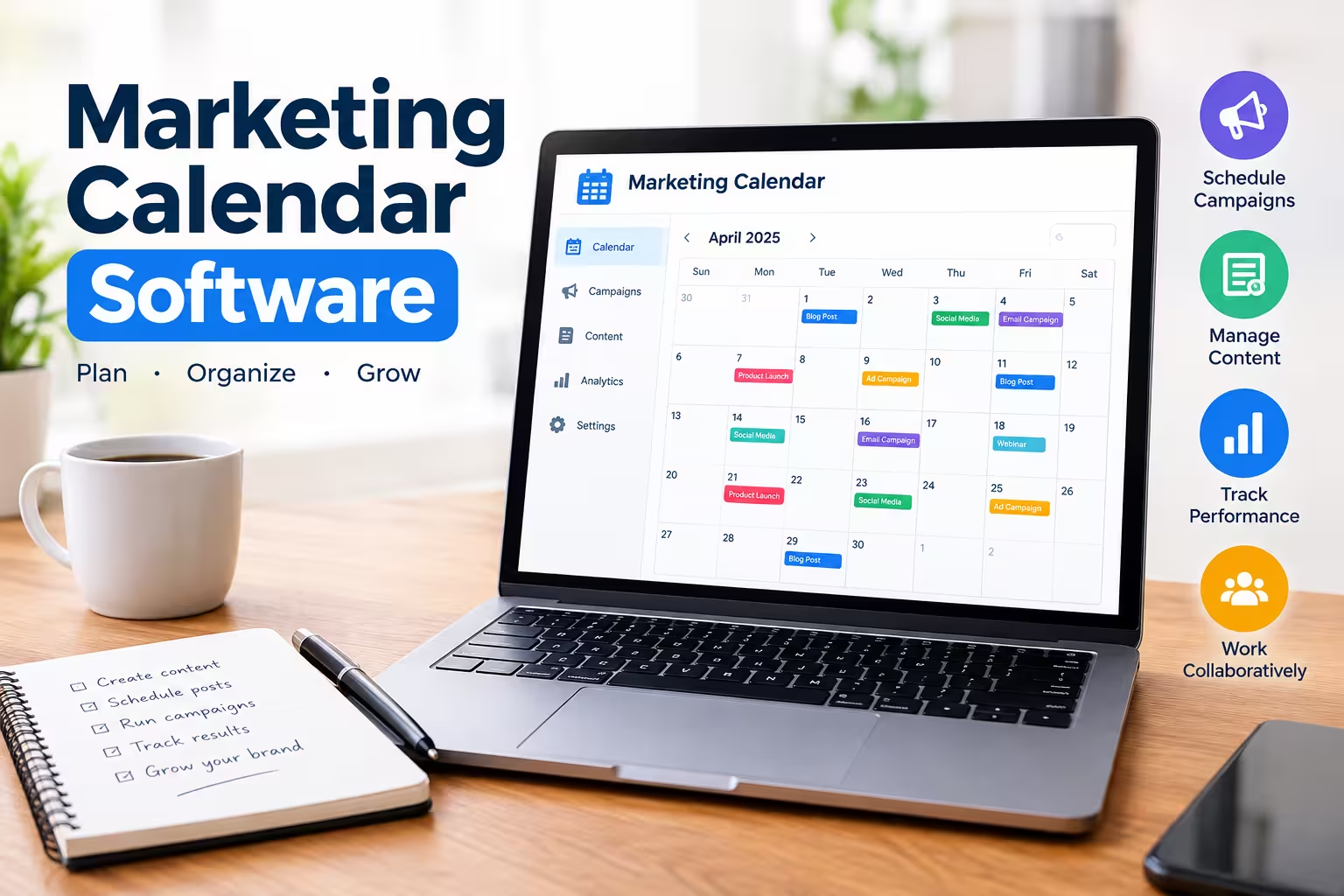
Marketing calendar software is a centralized platform that lets teams plan, schedule, and track every campaign, content piece, and deadline in one shared view. It replaces scattered spreadsheets and sticky notes with a single source of truth that everyone on the team can see and update in real time.
If your team is still managing campaigns across five different spreadsheets, Slack threads, and someone’s personal notebook, this guide will help you understand what marketing calendar software actually does, which features matter most, and how to pick the right tool for your team’s size and workflow.
What Does Marketing Calendar Software Actually Do?
At its core, marketing calendar software gives you a visual timeline of every marketing activity — blog posts, email sends, social posts, paid campaigns, product launches — mapped against real dates. Instead of asking “what’s going out this week,” you open one dashboard and see it.
Most tools in this category also handle the work around the calendar itself. That includes task assignments, approval workflows, content drafts, asset storage, and reporting on what got published versus what was planned.
The best tools solve three recurring problems for marketing teams:
- Visibility gaps. Nobody knows what’s launching until it’s already live.
- Missed deadlines. Content gets approved late or not at all.
- Duplicate work. Two people plan the same campaign because nobody checked the calendar first.
Core Features to Look For
Not every marketing calendar tool is built the same way, and the “best” one depends heavily on your team’s workflow. Here are the features worth prioritizing during evaluation.
Multi-channel view. You should be able to see blog, email, social, and paid campaigns side by side, not in separate tabs. This is what actually prevents scheduling conflicts.
Approval workflows. Content should move through draft, review, and approval stages without leaving the platform. This cuts down on the “did you see my email” back-and-forth. Content Marketing Institute’s guide to enterprise-grade content calendars breaks down what governance looks like once multiple teams and brands share one calendar.
Team collaboration. Comments, mentions, and file attachments tied directly to each calendar item keep feedback in context instead of buried in email.
Integrations. Look for native connections to your CMS, social schedulers, email platform, and project management tools. A calendar that doesn’t talk to your other software becomes just another tab to check.
Reporting. Some tools track planned versus published content, giving you a quick read on team output and consistency over time.
Comparison Table: Popular Marketing Calendar Tools
The table below compares commonly used tools across pricing tiers, best-fit use cases, and calendar depth. Pricing and features change frequently, so cross-check current ratings and pricing on G2’s marketing calendar category page before committing to a vendor.
| Tool | Best For | Free Plan | Starting Paid Price | Calendar Depth |
|---|---|---|---|---|
| CoSchedule | Dedicated marketing teams | Yes | From ~$29/user/month | Purpose-built marketing calendar with social integration |
| monday.com | Cross-functional campaign work | Yes | From ~$9/seat/month | Flexible calendar, Gantt, and Kanban views |
| Asana | Teams needing task + calendar together | Yes | From ~$10.99/user/month | Timeline view with strong task dependencies |
| ClickUp | Budget-conscious teams | Yes | From ~$7/user/month | Feature-rich free tier, customizable views |
| Airtable | Data-driven content planning | Yes | From ~$20/seat/month | Database-style calendar with custom fields |
| Notion | Teams already using Notion | Yes | From ~$10/seat/month | Database-driven calendar, needs setup |
| Trello | Small teams, simple tracking | Yes | From ~$5/user/month | Board-based, calendar via add-on |
Pricing reflects publicly listed starting tiers as of 2026 and is subject to change. Always check the vendor’s current pricing page before purchasing.
Dedicated Marketing Calendar vs. General Project Management Tool
This is the decision most teams get stuck on, so it’s worth breaking down directly.
Dedicated marketing calendar tools (like CoSchedule) are built specifically for content and campaign planning. They tend to include marketing-specific features out of the box, such as social post previews and content-type tagging, without much setup.
General project management tools with calendar views (like Asana, monday.com, or ClickUp) are more flexible and usually cheaper at entry-level tiers. They work well for teams that manage marketing alongside other projects, like product launches or operations work, but they typically require more configuration to function well as a marketing-specific calendar. HubSpot’s marketing calendar documentation is a useful real-world example of how a platform-native calendar plots campaigns, emails, and content on a single timeline once it’s fully configured.
If your team only does marketing and wants something that works immediately, a dedicated tool saves setup time. If marketing is one piece of a larger cross-functional workflow, a flexible PM tool is usually the better long-term fit.
How to Choose the Right Marketing Calendar Software for Your Team
Match the tool to your team size and complexity rather than picking based on brand recognition alone.
Solo marketers or very small teams generally do fine with a free tier on Trello, Notion, or ClickUp. The overhead of a dedicated marketing platform isn’t worth it until you have multiple people contributing content.
Growing teams (5–20 people) benefit most from tools with approval workflows and multi-channel views, since coordination becomes the bottleneck at this size. CoSchedule, Asana, and monday.com all handle this well.
Larger or agency teams managing multiple clients or brands need stronger permission controls, client-facing views, and reporting. Wrike, Smartsheet, and Airtable scale better for this use case.
Common Mistakes When Adopting a Marketing Calendar Tool
Buying the tool is the easy part. Most teams fail at the rollout, not the selection.
Skipping the migration plan. Moving years of scattered content history into a new system takes real time. Budget for it instead of expecting a weekend project.
Not assigning an owner. Calendars decay fast if no one is responsible for keeping them updated. Assign one person to own calendar hygiene.
Overcomplicating the setup. Teams often build overly granular tagging and workflow stages before they’ve used the basic calendar for even a month. Start simple, then add structure once you know what you actually need.
Frequently Asked Questions
What is the difference between a marketing calendar and a content calendar?
A marketing calendar covers all marketing activities, including paid campaigns, product launches, and email sends. A content calendar is narrower and typically focuses only on content publishing, like blog posts and social media.
Is there free marketing calendar software?
Yes. Trello, Notion, ClickUp, and Asana all offer functional free tiers suitable for individuals or small teams. Free plans usually cap the number of users or limit advanced features like approval workflows and reporting.
Can I build a marketing calendar in a spreadsheet instead?
You can, and many small teams start there. Spreadsheets become difficult to manage once multiple people edit them simultaneously or once you need approval workflows and integrations with other tools.
What size team actually needs dedicated marketing calendar software?
Once a team has three or more people regularly publishing content or running campaigns, a dedicated tool typically pays for itself in reduced coordination overhead and fewer missed deadlines.
The Bottom Line
Marketing calendar software solves a coordination problem, not a creativity problem. The right tool won’t make your campaigns better on its own, but it will stop the missed deadlines, duplicate work, and “wait, who approved this” moments that eat up real time every week.
Start by identifying your team’s actual bottleneck, whether that’s visibility, approvals, or reporting, and let that drive your choice rather than picking the tool with the most features.